Get live market prices
in one click.
Right-click a card image anywhere on the web. AI vision identifies it and pulls ungraded, PSA 9, and PSA 10 prices in seconds.
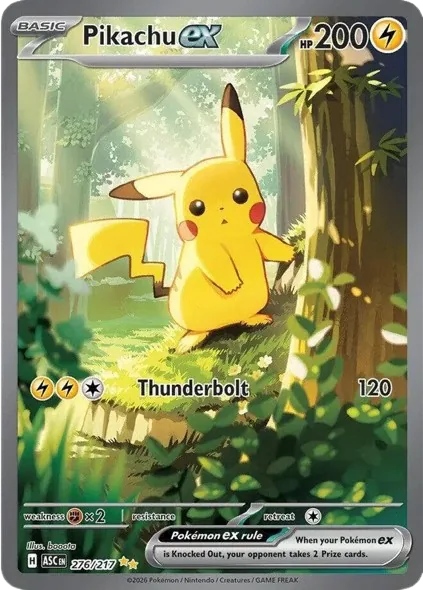

Everything you need before you buy or sell.
Right-click to scan
Works on eBay, TCGPlayer, Reddit — anywhere there's a card image. No screenshots, no uploads.
AI vision ID
Reads card name, set, and number automatically. Handles low-res images.
Live Prices
Ungraded, PSA 9, and PSA 10 prices fetched fresh on every scan. No stale data.
Sales history charts
See 90-day price movement before you buy, sell, or send a card for grading.
AI grading projection
Color-coded PSA grade estimate so you can size the upside before submitting.
Built for Pokémon
Tuned for Pokémon — vintage editions, holo vs reverse-holo, and graded slabs, priced from live PriceCharting data.
Four steps. Zero friction.
Install the extension
One click from the Chrome Web Store. No accounts, no config.
Right-click any card image
Pick "Scan with PeekaScan" from the context menu.
The side panel opens
AI identifies the card name, set, and number in seconds.
Review prices & history
Live price data, 90-day sales chart, AI grading projection.